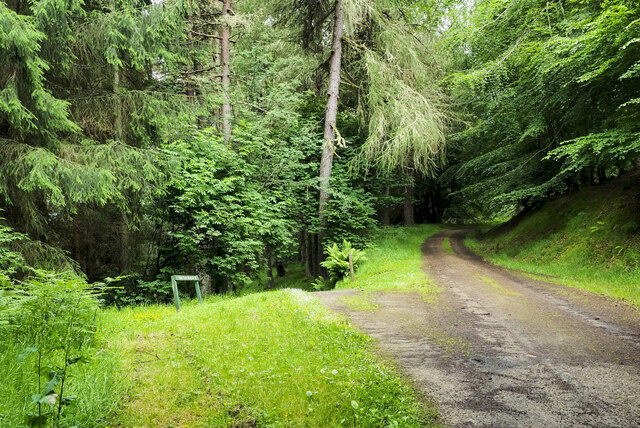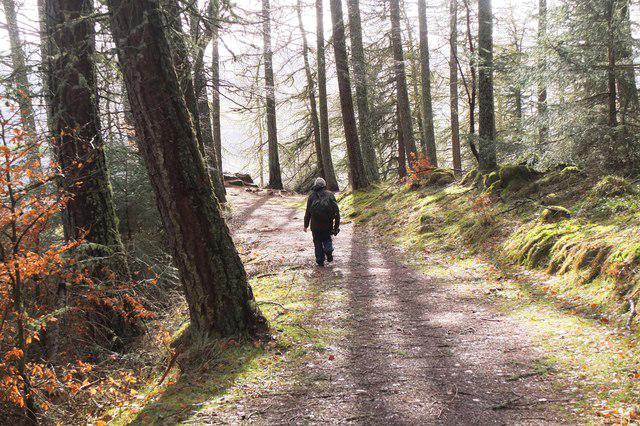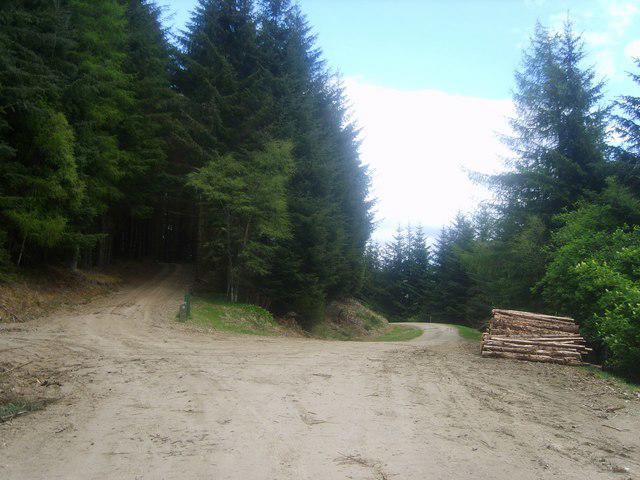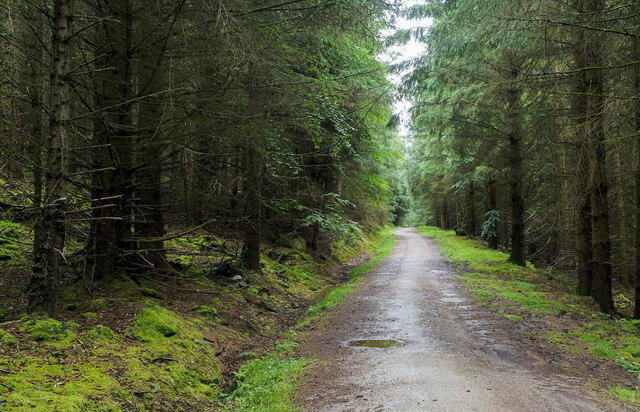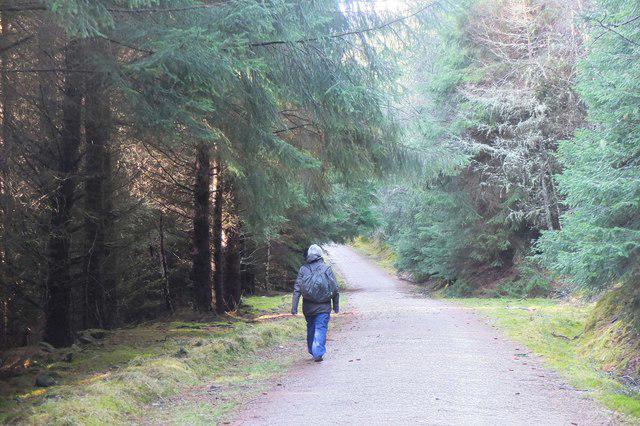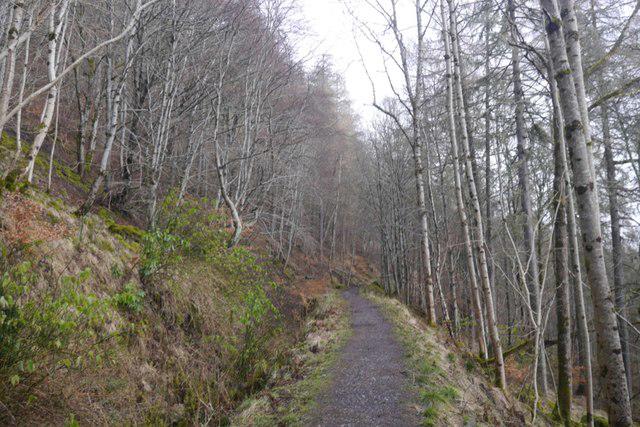
Image shared for Kenmore: Drummond Hill Black Rock Trail above Loch Tay
Upland / Hill Out & back

Kenmore: Drummond Hill Black Rock Trail above Loch Tay

Walk

Tayside

Distance
2.9 mi
Walking time
1h 10m–1h 35m
Difficulty
Medium
PaulWalkmates Route by PaulWalkmates

Save the route to find it later. Follow it to hear when a date is added.

About this walk

Start at the Drummond Hill Forest Walks car park, just north of Kenmore, and follow the blue Black Rock waymarkers. The route climbs west through the woodland, doubles back along a broad zigzag and then turns west again towards Black Rock. At the viewpoint, look across Loch Tay and down towards Kenmore before returning by the same waymarked route.

Allow about two hours for this forest walk. The gravel is uneven and the climb includes sustained slopes and some steeper sections. Wear footwear with a good grip, take care on the descent and stay within the viewpoint area. Keep dogs close and avoid disturbing wildlife.

Daytime parking is free at the forest car park. The nearest public toilets and cafe are at the Mains of Taymouth courtyard in Kenmore. The separate Caisteal MacTuathal hill-fort trail is currently closed because of windblown trees: do not add that circuit, and follow any further notices at the forest entrance.

Route and access information checked against Forestry and Land Scotland's Drummond Hill visitor guide, current alerts and Black Rock trail map on 4 October 2026.

Walk details

County
Tayside
Walk type
Out & back
Category
Upland / Hill
Distance
2.9 mi (4.6 km)
Walking time
1h 10m–1h 35m
Walking time excludes breaks. Allow extra time for stops and conditions. Ascent is not yet included; allow extra time for climbs.
Explorer
Yes, off the beaten track

Route map

Use the route details to plan your walk

If the map image does not load, the route description and starting-point details are still on this page.

The interactive map will load when you reach this section.

Where to start

Directions to start

Walking on your own?

Start when you're ready and add the walk to your history. No group date needed.

Make this route part of your day

For walkers

Saving and preparing a route

Watch: portrait video or landscape video.

Saving and preparing a route

Read the steps
  1. Open a route and read the practical notes.
  2. Save it to your Saved Walks, then open it again from there.
  3. Check the route map and elevation profile before setting off. Reopen the details on the day.

Saved Walks needs an account. Reopening the website needs a connection; check access, weather and your own navigation before you go.
See how to plan a walk with others

This walk is waiting for a date

Not ready to pick a date? Follow it and you'll hear when somebody else does.

No commitment. You can follow it now and pick a date later.

Along the route

2 places
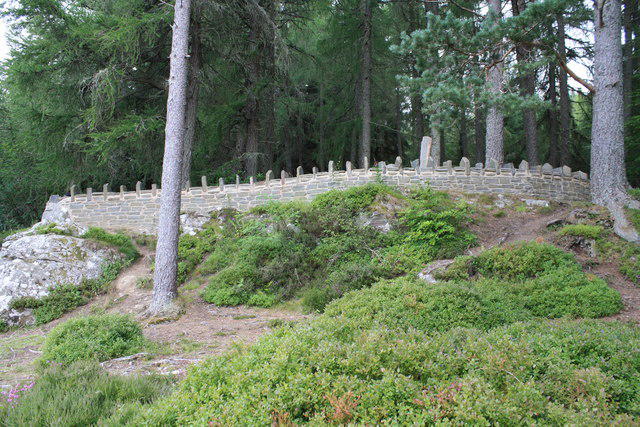
Black Rock Viewpoint
Viewpoint · 1.4 mi along
Black Rock
Cliff · 1.4 mi along

Terms of Service

Joining a walk

A few things to know before you make plans.

Can I join if no one else is going?

You can be the first to join a scheduled walk. A suggested date is an idea for a group walk; choose Set this date up to organise it. Check the participant list and meeting details before setting off.

What if there is no date yet?

Choose Put a date on this walk to organise a group walk. Not ready to choose a day? Follow the route for scheduling updates, or save it for later.

What does the organiser do?

The organiser sets the date and meeting details and helps the group get started. They are a fellow walker and may be new to the route too.

Each walker is responsible for their own safety and navigation. Check the route, weather, equipment and whether the walk suits your experience and fitness.

Can I walk this route on my own?

Yes. Choose Walk this route on your own to open the start screen, then start when you are ready. Finish the walk to add it to your walking history. You do not need a group date.

What happens after I join?

Use the walk page to check meeting details, updates and who is going. Check in from 24 hours before the start to let the group know you still plan to come.

How do I confirm plans with the group?

Check the participant list and check-ins, and message the organiser or other walkers to confirm where to meet and who is coming. This is especially useful when the group is small.

Privacy preferences

Necessary storage supports sign-in, security and your privacy choice. It is always on. Google Analytics, Mixpanel and Simple Analytics measure site usage only with your permission. Session recording is off. Rejecting analytics does not affect access.

Your choice lasts up to 180 days. If you accept analytics, a separate receipt records acceptance, the notice version and server time and is scheduled for deletion after 180 days. The receipt contains no account, IP address or browser details. Refusal and withdrawal stay in this browser. You can change your choice here at any time.

Read our privacy policy