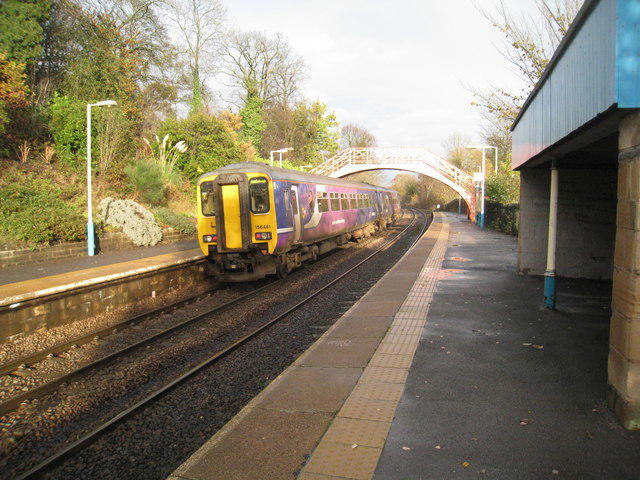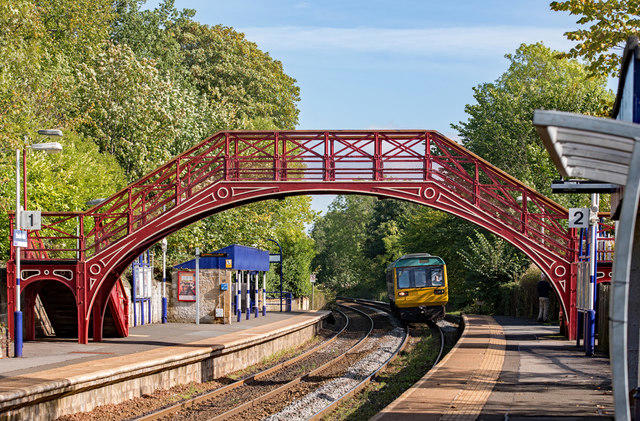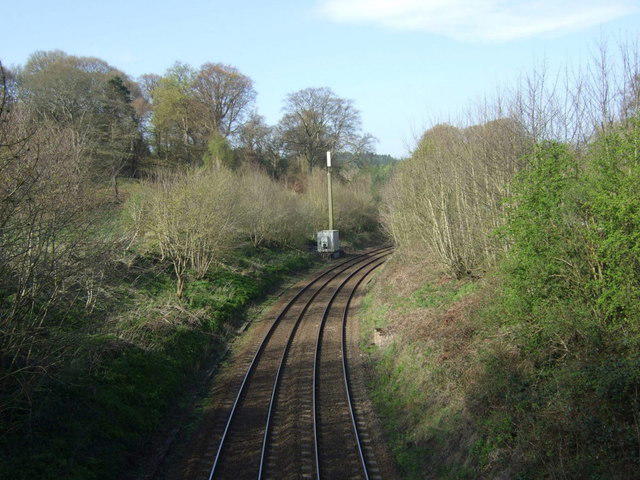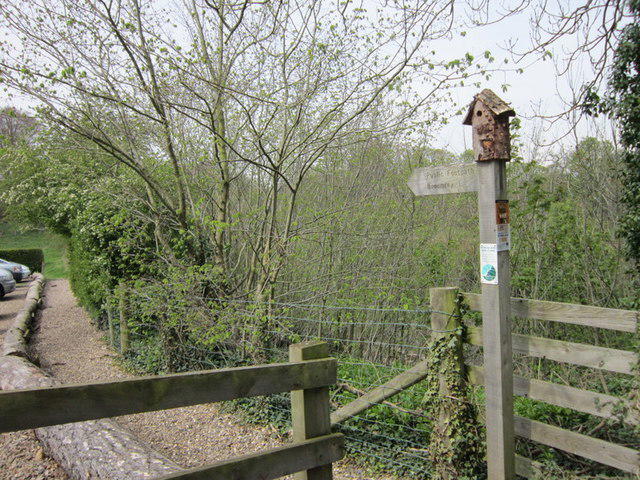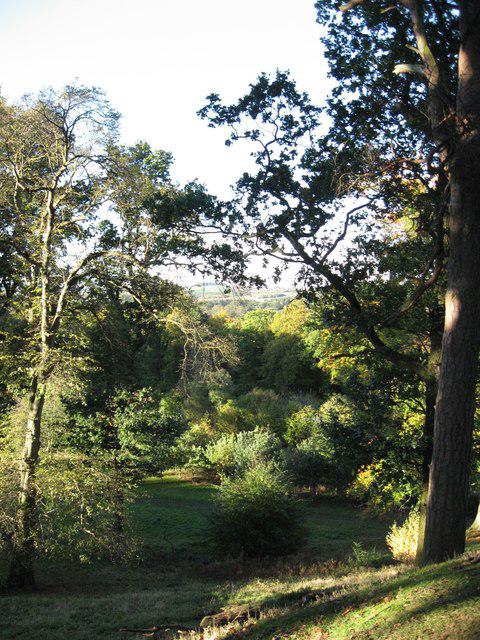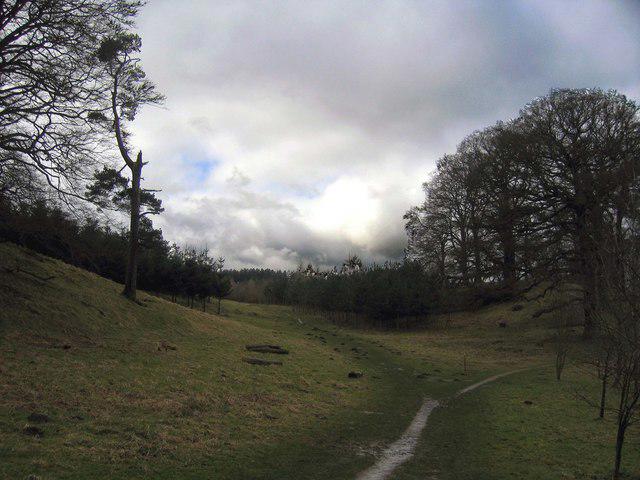
Image shared for Stocksfield Burn and Broomleyhope Wood
Countryside Circular

Stocksfield Burn and Broomleyhope Wood

Walk

Northumberland

Distance
2.8 mi
Walking time
1h 10m–1h 30m
Difficulty
Medium
PaulWalkmates Route by PaulWalkmates

Save the route to find it later. Follow it to hear when a date is added.

About this walk

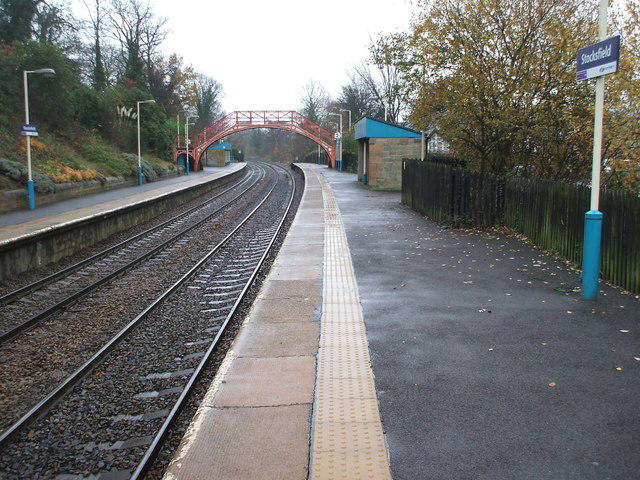
Start at Broomley Woods car park and cross the road near Stocksfield station to reach the burnside path. Follow the water upstream behind the village houses and tennis courts, then continue along Ridley Mill Road. The bridleway to Old Ridley climbs away from the burn before crossing the B6309 onto the byway towards Broomley.

Turn into Broomleyhope Wood and follow the path west beside the fields. At the western junction, take the woodland route north back to the car park. This is a varied local circuit, with shaded walking beside the burn, a steady climb and quieter paths through the trees.

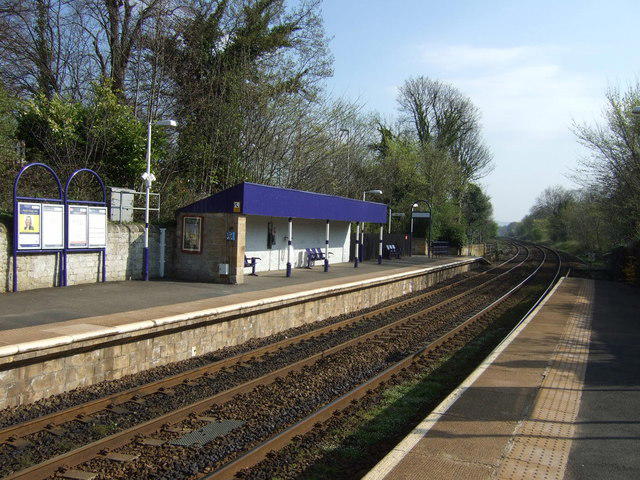
Allow about an hour and a half. Expect uneven ground, gates and muddy patches after rain. The first section includes pavements, a pedestrian crossing and steps. Later there are short stretches on village roads and another crossing of the B6309. Keep dogs close near fields and follow any signs around forestry work. Stocksfield station provides an alternative arrival point.

Use Broomley Woods car park on the B6309 just south of its junction with the A695 at Stocksfield. Start on the internal car park aisle and leave towards the road bridge. Check local signs and leave access clear.

Walk details

Walk type
Circular
Category
Countryside
Distance
2.8 mi (4.5 km)
Walking time
1h 10m–1h 30m
Walking time excludes breaks. Allow extra time for stops and conditions. Ascent is not yet included; allow extra time for climbs.
Explorer
Yes, off the beaten track

Route map

Use the route details to plan your walk

If the map image does not load, the route description and starting-point details are still on this page.

The interactive map will load when you reach this section.

Where to start

Directions to start

Walking on your own?

Start when you're ready and add the walk to your history. No group date needed.

Make this route part of your day

For walkers

Saving and preparing a route

Watch: portrait video or landscape video.

Saving and preparing a route

Read the steps
  1. Open a route and read the practical notes.
  2. Save it to your Saved Walks, then open it again from there.
  3. Check the route map and elevation profile before setting off. Reopen the details on the day.

Saved Walks needs an account. Reopening the website needs a connection; check access, weather and your own navigation before you go.
See how to plan a walk with others

This walk is waiting for a date

Not ready to pick a date? Follow it and you'll hear when somebody else does.

No commitment. You can follow it now and pick a date later.

Along the route

3 places
Stocksfield Central
Shop · 0.3 mi along
Information
Navigation · 0.3 mi along
Parking
Essentials · 2.8 mi along

Terms of Service

Joining a walk

A few things to know before you make plans.

Can I join if no one else is going?

You can be the first to join a scheduled walk. A suggested date is an idea for a group walk; choose Set this date up to organise it. Check the participant list and meeting details before setting off.

What if there is no date yet?

Choose Put a date on this walk to organise a group walk. Not ready to choose a day? Follow the route for scheduling updates, or save it for later.

What does the organiser do?

The organiser sets the date and meeting details and helps the group get started. They are a fellow walker and may be new to the route too.

Each walker is responsible for their own safety and navigation. Check the route, weather, equipment and whether the walk suits your experience and fitness.

Can I walk this route on my own?

Yes. Choose Walk this route on your own to open the start screen, then start when you are ready. Finish the walk to add it to your walking history. You do not need a group date.

What happens after I join?

Use the walk page to check meeting details, updates and who is going. Check in from 24 hours before the start to let the group know you still plan to come.

How do I confirm plans with the group?

Check the participant list and check-ins, and message the organiser or other walkers to confirm where to meet and who is coming. This is especially useful when the group is small.

Privacy preferences

Necessary storage supports sign-in, security and your privacy choice. It is always on. Google Analytics, Mixpanel and Simple Analytics measure site usage only with your permission. Session recording is off. Rejecting analytics does not affect access.

Your choice lasts up to 180 days. If you accept analytics, a separate receipt records acceptance, the notice version and server time and is scheduled for deletion after 180 days. The receipt contains no account, IP address or browser details. Refusal and withdrawal stay in this browser. You can change your choice here at any time.

Read our privacy policy